Custom Software: CRM, Automation and Admin Panel Architecture
Custom software connects CRM, operations, reporting and automation in one manageable system.
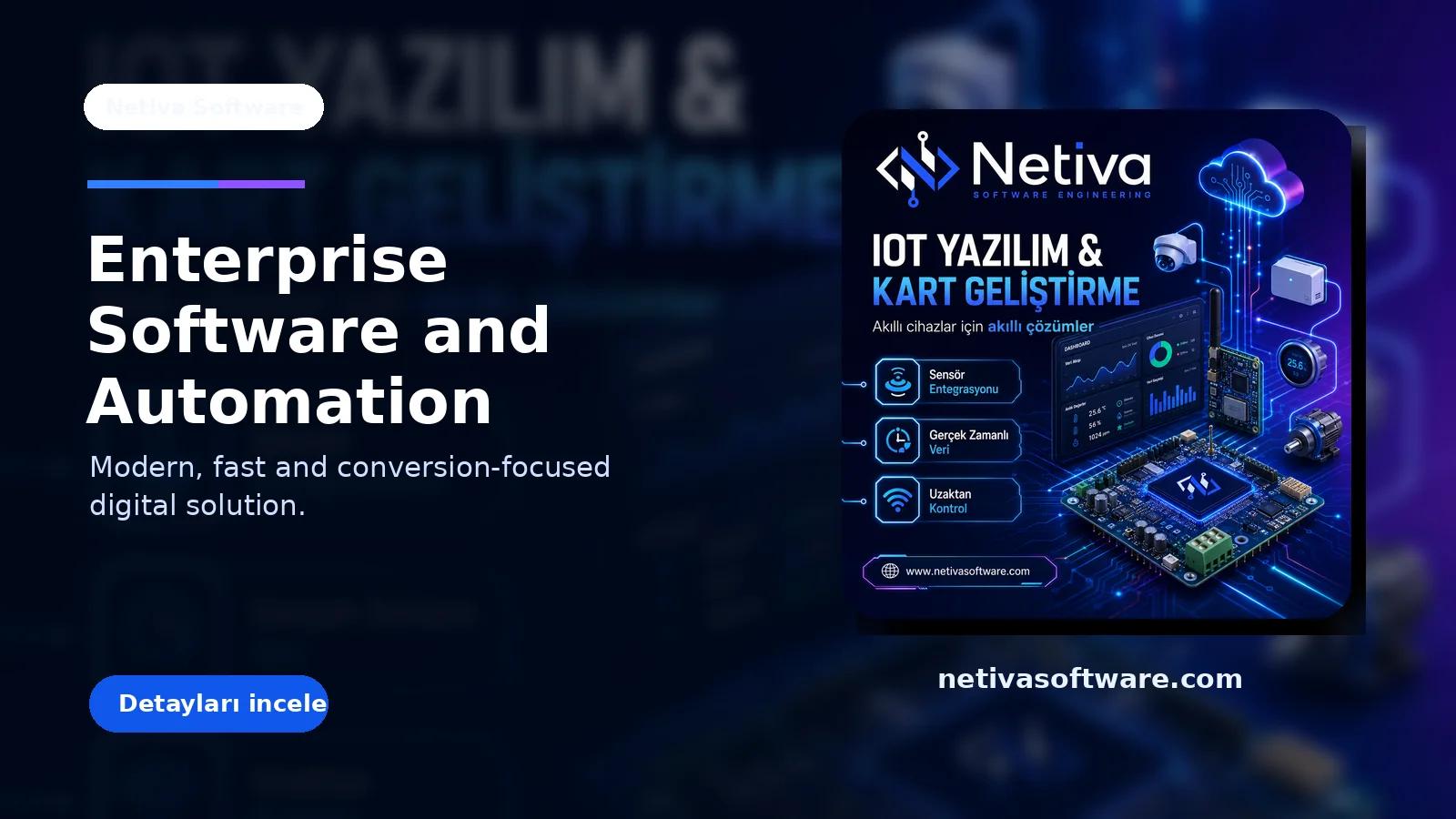
Off-the-shelf tools are fast at the beginning, but growing operations need a system that manages data, teams and workflows from one center.
Model processes module by module
CRM, quotes, tasks, inventory, invoices and reporting should share one data model.
- Map core workflows first.
- Design roles and permissions.
- Define metrics for each module.
Make automation measurable
Automation is not just sending emails; it reduces time, errors and operational cost.
- Find repetitive tasks.
- Create notification and approval flows.
- Log error states.
Dashboards speed up decisions
An admin panel should highlight action areas, not only display data.
- Keep KPIs focused.
- Color-code risks and opportunities.
- Plan exports and integrations.
Architecture Plan
- Map processes.
- Design the data model.
- Define permissions.
- Plan APIs and integrations.
- Build dashboards around KPIs.
The value of custom software appears when it matches how the business really works.
Professional Implementation Note
In real projects, this framework works best when it is managed as a weekly measurement loop rather than a one-time checklist. Traffic, conversions and technical health should be visible in the same dashboard so the team can separate pages that only attract visits from pages that generate qualified leads.
- Initial measurement window: 14 days.
- Decision metric: qualified leads and conversion rate.
- Optimization focus: low CTR, high exits and weak CTA areas.
Yorumlar ve cevaplar
Tüm ziyaretçiler yorumları okuyabilir. Giriş yapan üyeler yorum yazabilir, emoji ekleyebilir, görsel paylaşabilir ve diğer yorumlara cevap verebilir.